What it does
A Playwright MCP server config tells an MCP-capable client how to start the Playwright browser automation server so the assistant can inspect pages and help generate tests.
Common use cases
- Create a Claude Code MCP config snippet
- Prepare Cursor MCP server settings
- Standardize Playwright MCP setup for a QA team
- Document server commands for local and CI-like workflows
- Troubleshoot Playwright MCP server command and origin errors
How to use it
- Choose your MCP client
- Select a package runner and browser mode
- Add optional environment values
- Copy the generated config into your client settings
- Reload the client and test the server with a safe local URL
Best inputs
Use clear requirements, acceptance criteria, validation rules, user roles, constraints, and examples of valid or invalid data.
Where do I paste the Playwright MCP server config?
Paste the generated server entry into the MCP settings for your client, such as Claude Code, Cursor, or another client that supports MCP server configuration.
Should I use headless or headed browser mode?
Headed mode is useful while debugging and inspecting UI behavior. Headless mode is better for repeatable automation once the flow is stable.
Why does my Playwright MCP server fail to start?
Common causes include a wrong package runner, missing browser dependencies, invalid config JSON, stale client settings, blocked origins, or a browser profile permission problem.
Can I export generated test cases to Jira, Xray, Zephyr, or TestRail?
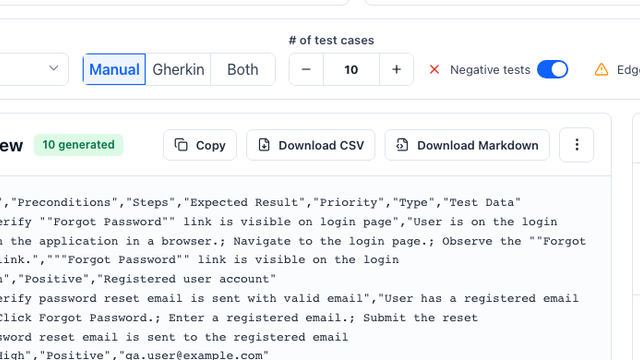
Yes. The generator can structure cases as a CSV-ready table with title, preconditions, steps, expected result, priority, type, and test data fields.
Does the tool replace QA review?
No. It accelerates first-draft coverage, but QA teams should review edge cases, business rules, and product-specific risks before importing cases.
What inputs produce the best test cases?
A clear user story, acceptance criteria, business rules, constraints, and examples of valid or invalid test data produce the strongest output.